Vetting alpha
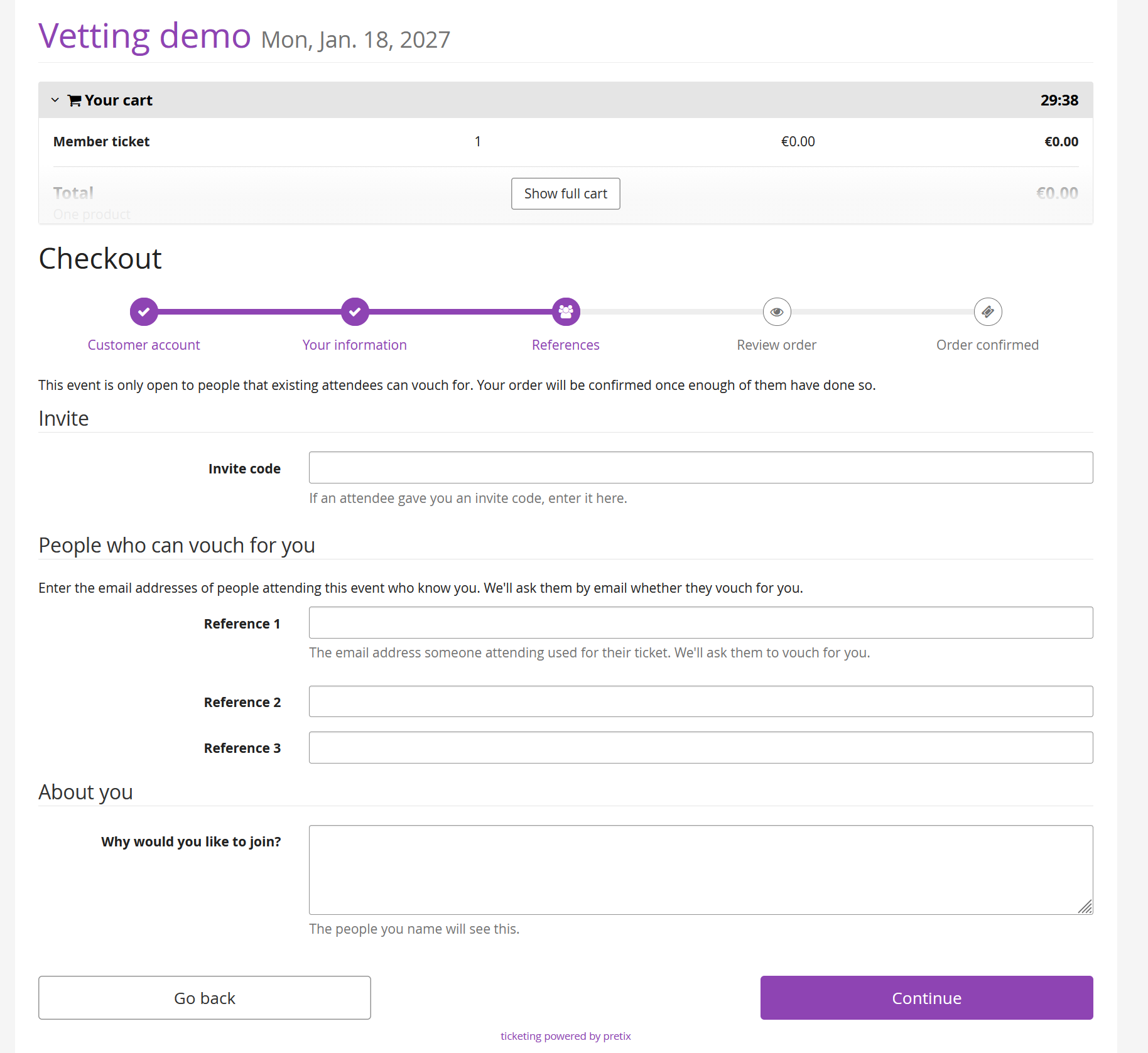
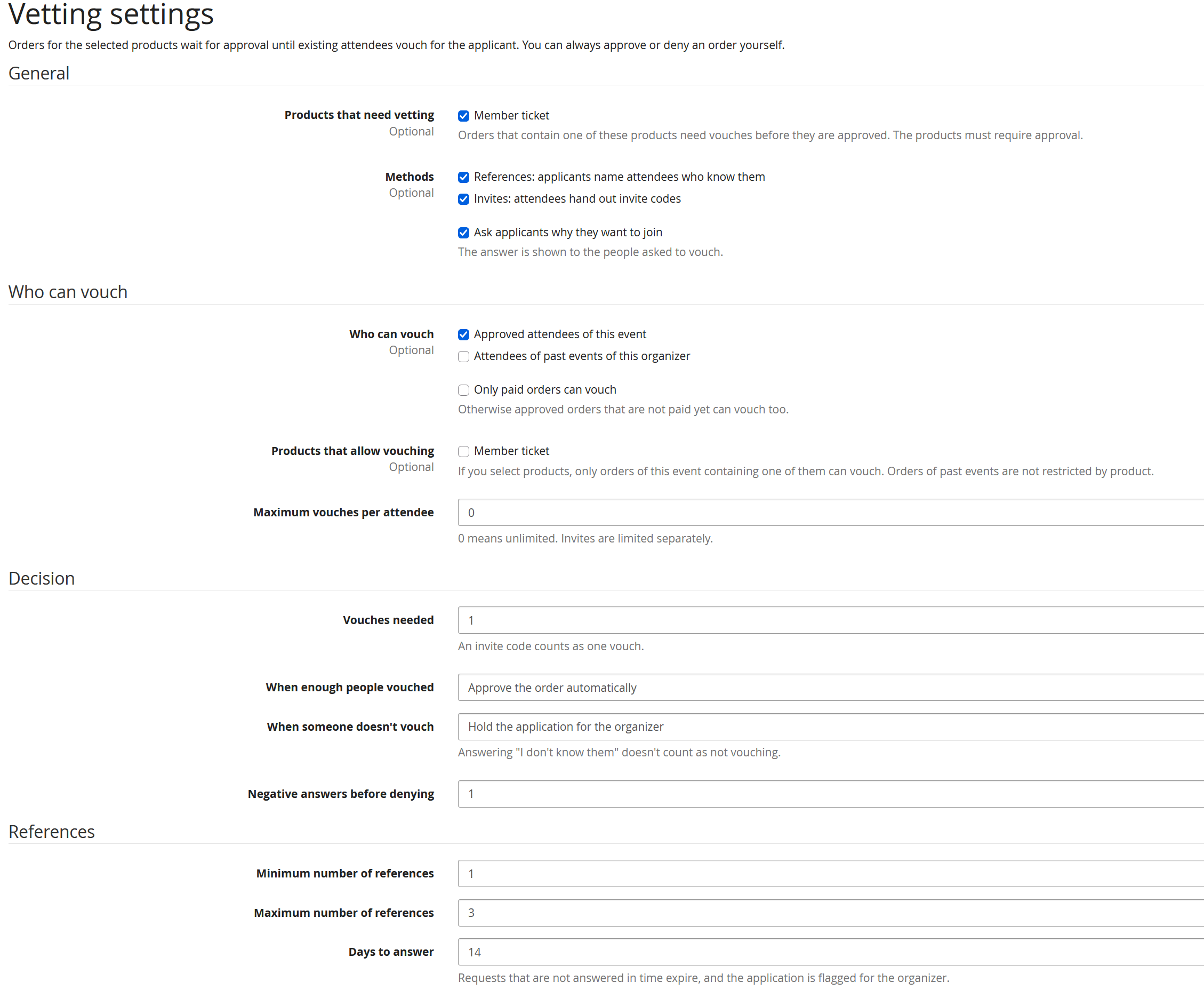
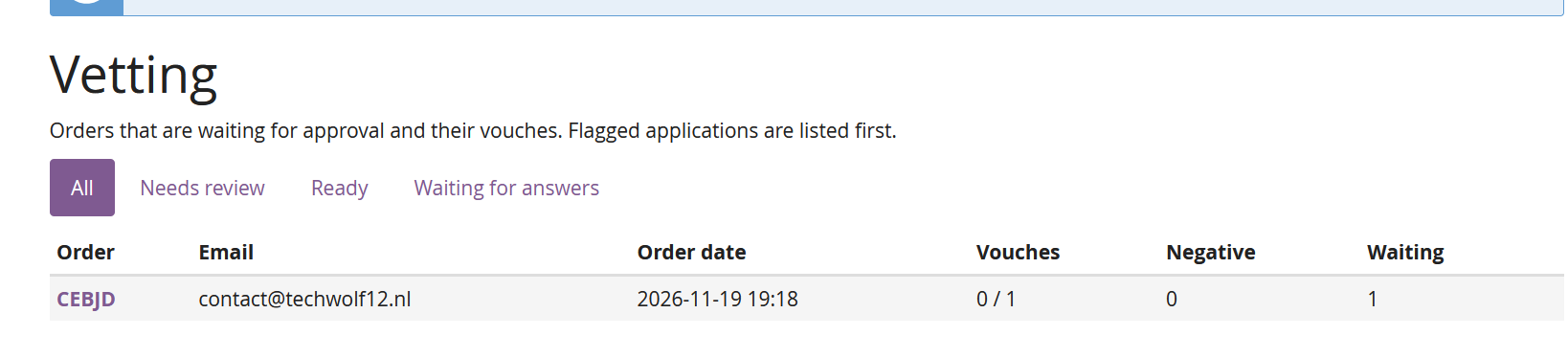
Lets existing attendees vouch for people who want to join an event. Orders for the selected products stay pending approval until enough attendees have vouched for the applicant.
There are two ways to vouch, and you can enable either or both:
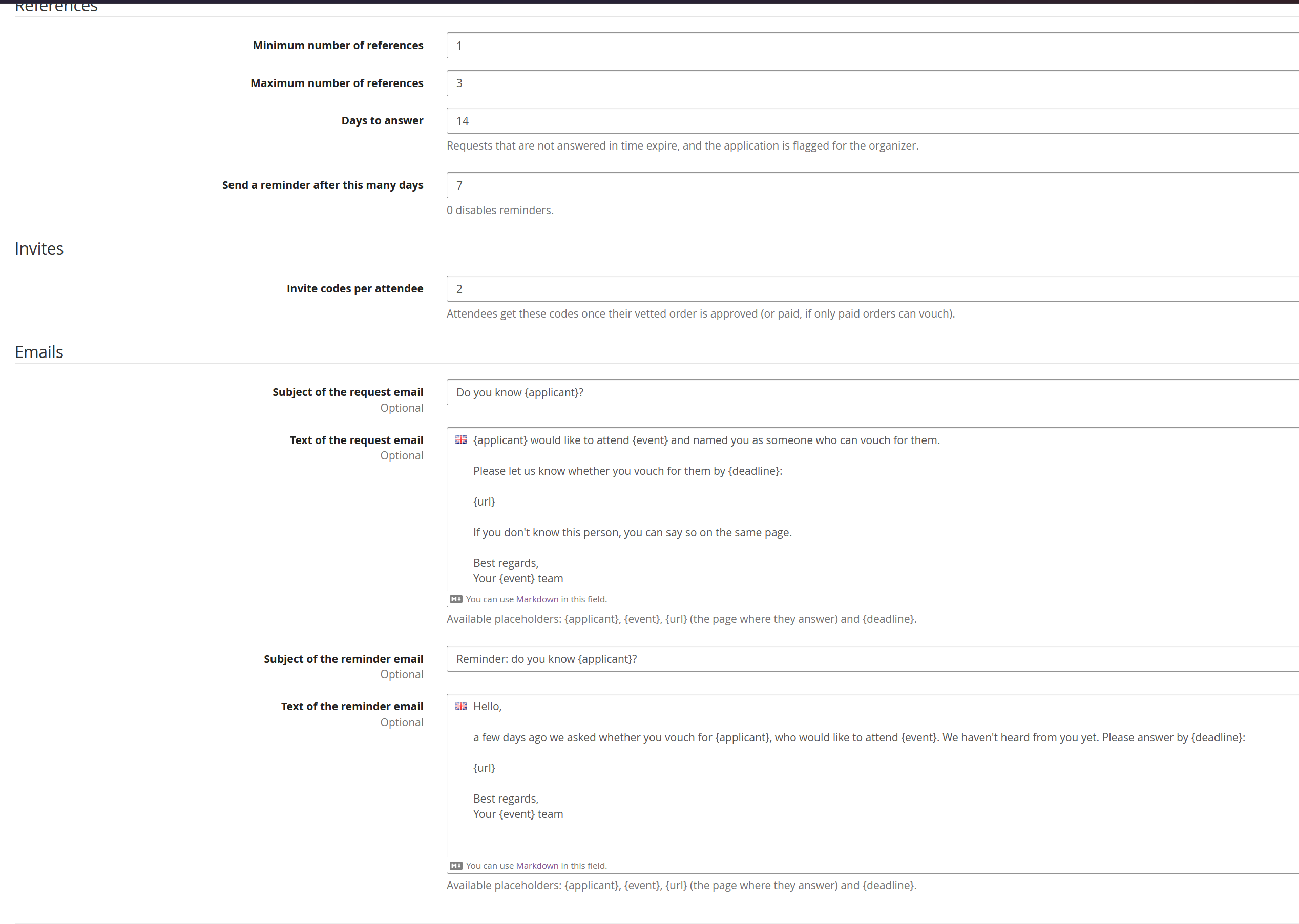
- References: during checkout, applicants enter the email addresses of people attending who know them. If an address belongs to an attendee who is allowed to vouch, that person gets an email with a link where they answer "I vouch for them", "I don't vouch for them" or "I don't know them". Addresses that don't match anyone are accepted without telling the applicant, so the checkout can't be used to find out who is attending. Organizers see them in the backend.
- Invites: once their own vetted order is approved, attendees get invite codes on their order page. Someone who orders with one of these codes counts as vouched for by the attendee who handed it out.
u choose who can vouch (approved attendees of this event, attendees of the organizer's past events, or both), whether they need to have paid, and optionally which products allow vouching. When enough people vouched, the order is either approved automatically or the application is marked as ready for you. When someone doesn't vouch, the application is either held for you to review or, after a number of negative answers, denied. You can always approve or deny an order yourself.
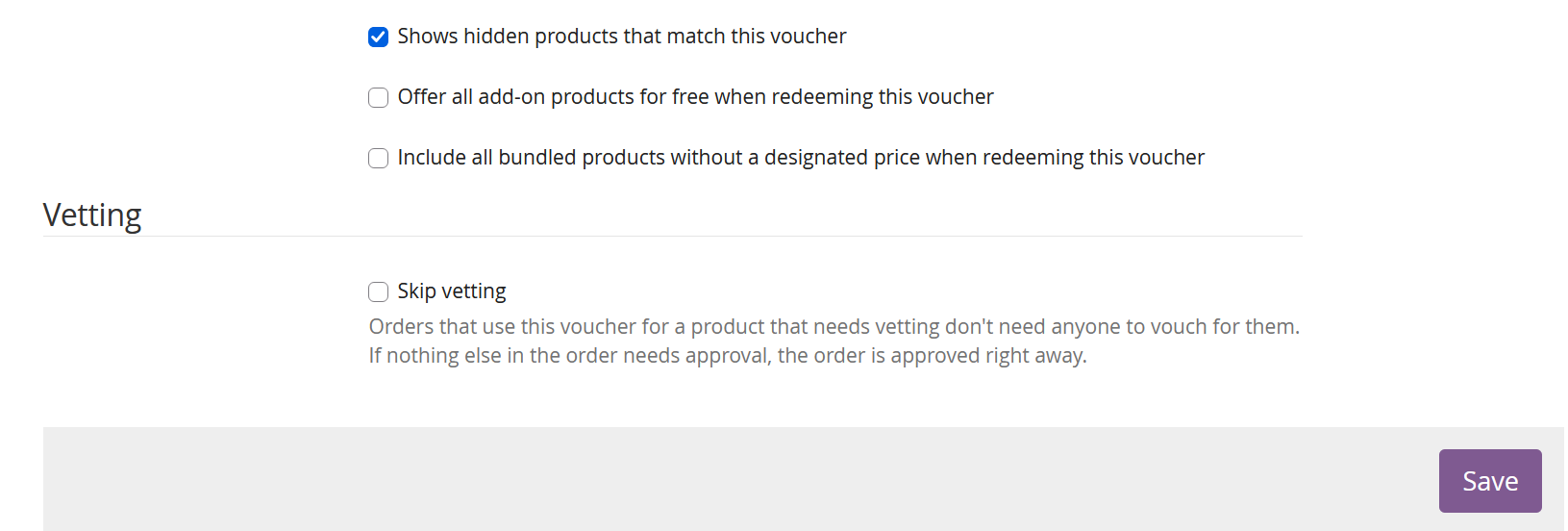
To let someone in without vetting, create a voucher and tick Skip vetting (also available when creating vouchers in bulk). Orders that use such a voucher for every product that needs vetting skip the vetting step at checkout and are approved right away, unless something else in the order still needs approval.
Christiaan de Die le Clercq (Techwolf12)
Open source developer, please make issues on Github or send me an email if you run into problems or have suggestions for improvements on the plugins.